Accounts
Clients, their billing contacts, and any per-account rules.
Tip. Prune accounts you haven't billed in years. A move is a good time to leave them behind.
Scheduling, dispatch, billing, and payments in one system, built for interpreting.


However your agency works: by setting, by service, or by the languages you cover.
Moving off another system, or off spreadsheets? We move your accounts, interpreters, and rates with you, free on annual plans.
What we move for you, in the order it moves
The plan we recommend. There's no week where the phones stop ringing, so you don't need one.
Accounts, then interpreters, then rates, then upcoming jobs. Each one builds on the last.
New bookings go in IMP. Jobs already booked finish in your old system, so nothing gets typed twice.
Bill the last full month from the old system and the next one from IMP. Clients never see a month split in two.
Once its last jobs are done, export your history, repoint your request forms, and cancel it on purpose.
The full playbook, with the mistakes that cause downtime: How to switch interpreting platforms without downtime
Free on annual plans. Old job history can stay in your old system, where you can still look it up.
Clients, their billing contacts, and any per-account rules.
Tip. Prune accounts you haven't billed in years. A move is a good time to leave them behind.
Names, contact details, languages, and credentials.
Tip. Your team sets languages and credentials in IMP. Interpreters can't change them themselves.
Your rate cards: minimums, rounding, rush, after hours, holidays, and cancellations.
Tip. Write down the exceptions that only live in someone's head before anything moves.
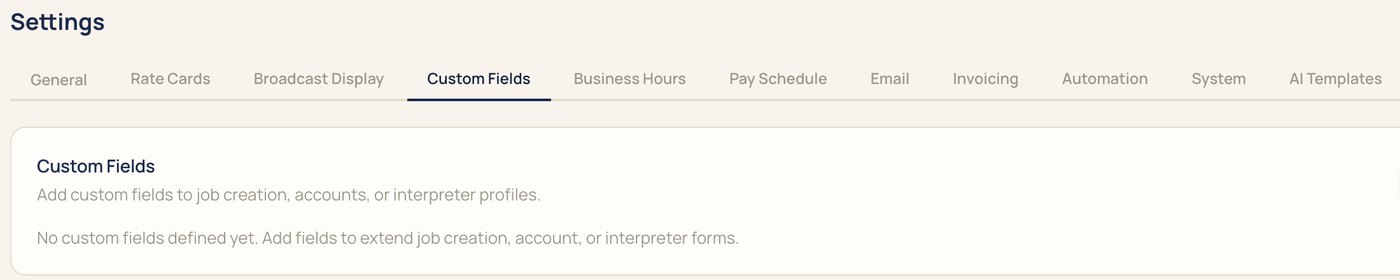
These are the Settings tabs you'll walk through with us, in the order most agencies set them.
One subscription for your agency, with unlimited interpreters. Calls are billed by the minute.
Tell interpreters and clients once where their login now lives.
Signs in on the web with the dashboard, appointments, broadcasts, invoices, and pay.
Get the IMP app on iOS and Android, or use the web.
Request and follow appointments in their own portal.
Something else? Bring it to the demo.
Yes, on annual plans.
Your accounts, interpreters, and rates.
We suggest planning on about four weeks, most of it a parallel run while jobs already booked finish in your old system.
No. Old job history can stay in your old system for reference.
Yes, and we recommend it: new bookings in IMP, existing bookings finish where they started.
No. Book a demo and bring a real request to see IMP with your own work.
We'll book it in IMP with you, start to finish.