Roles and access
For your team
Your schedulers and office staff sign in as Agency Admins and run the agency from the dashboard: appointments, broadcasts, invoices, pay, and reports.
Scheduling, dispatch, billing, and payments in one system, built for interpreting.


However your agency works: by setting, by service, or by the languages you cover.
Your schedulers and office staff sign in as Agency Admins and run the agency from the dashboard: appointments, broadcasts, invoices, pay, and reports.
Real screens from the demo agency.
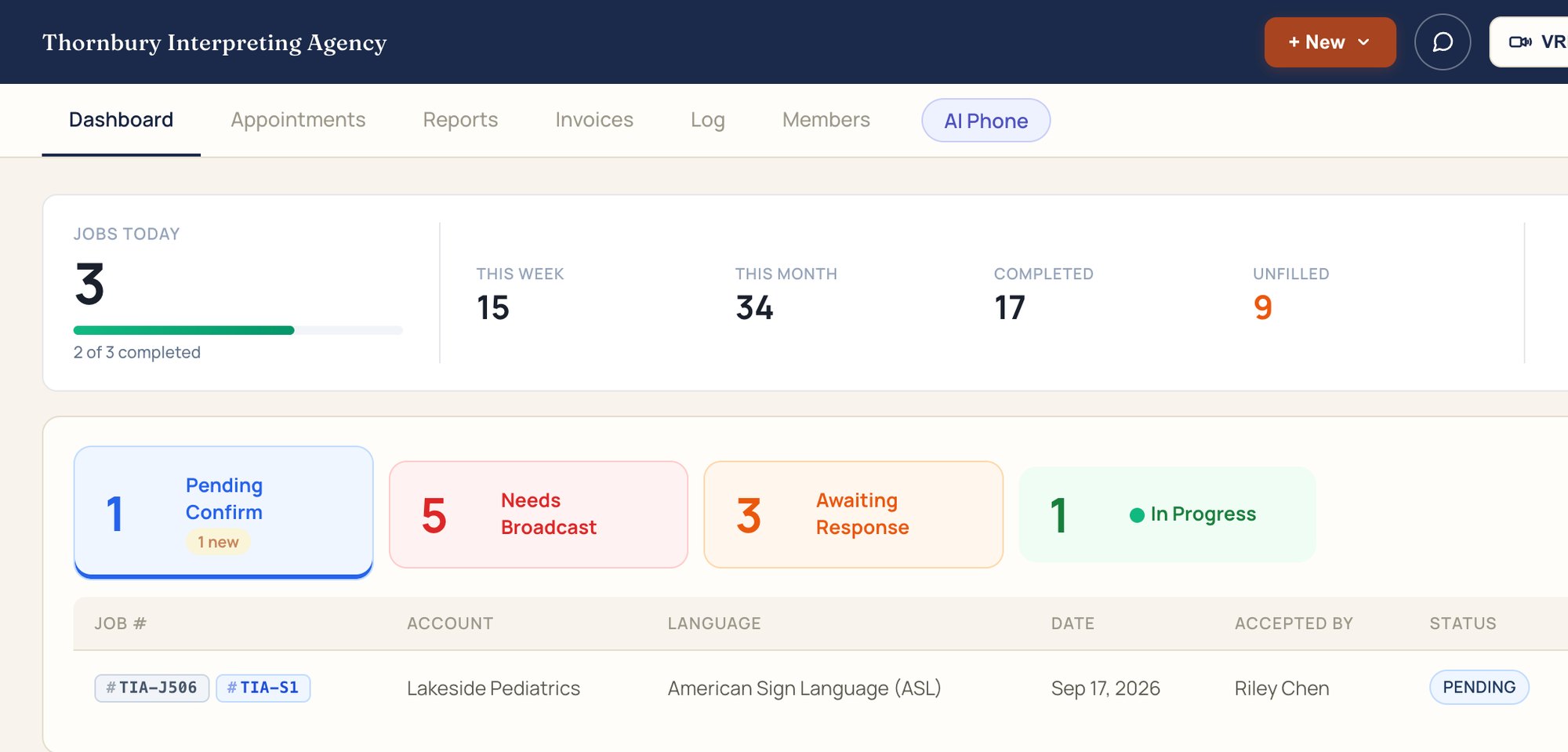
The dashboard shows what needs you: jobs to confirm, jobs to broadcast, and offers waiting on answers.

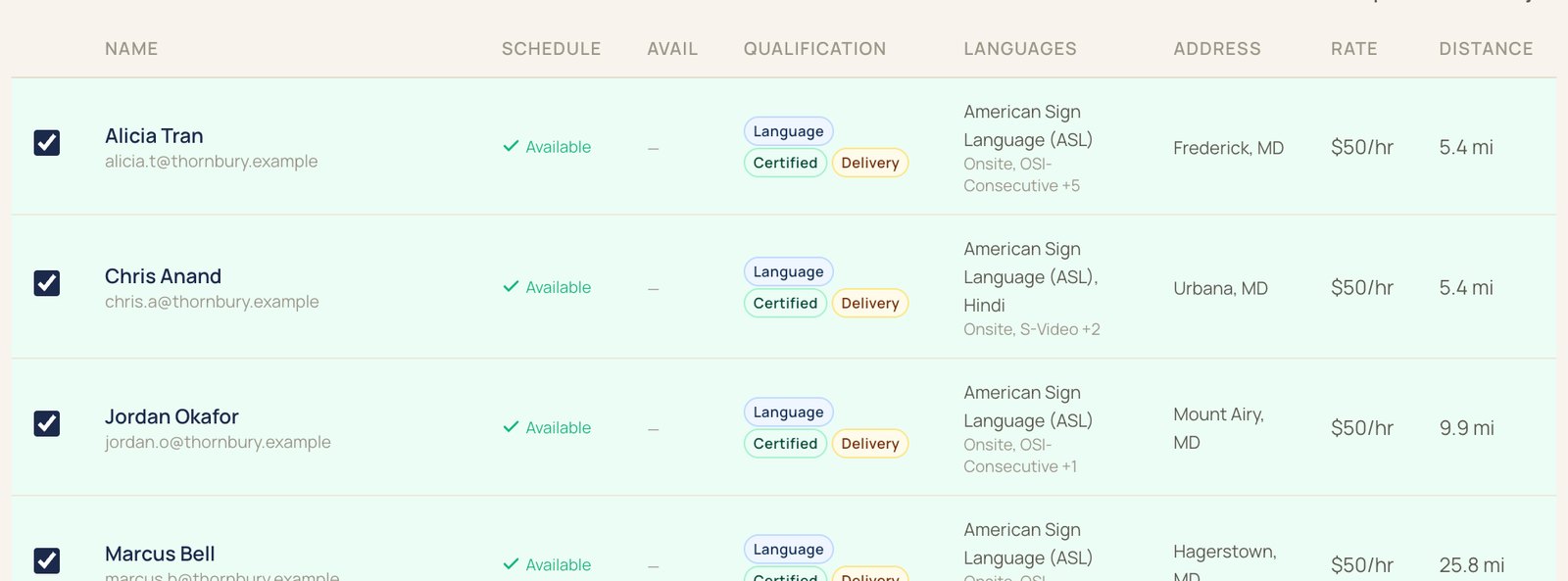
Send each job to the interpreters who qualify, then confirm who you want.
Rate cards price each job, and invoices go out through IMP, QuickBooks Online, or Stripe.

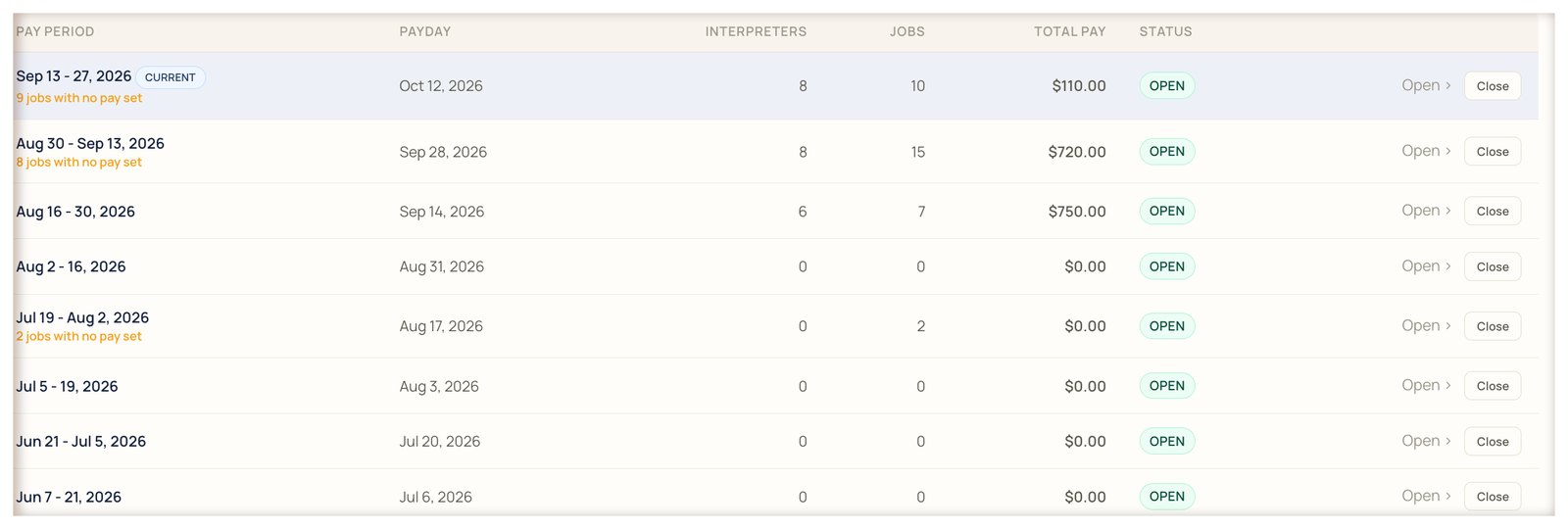
Pay periods follow your payroll schedule, and statements go to each interpreter.
The top of IMP, left to right.

Add as many team members as you need. Each signs in as an Agency Admin with their own login, so the activity log shows who did what.
Something else? Bring it to the demo.
Agency Admin. It is the role for your schedulers and office staff.
As many as you need.
No. Your team uses IMP in the browser.
Yes. The activity log records job changes with who did it and when.
We'll book it in IMP with you, start to finish.